Program
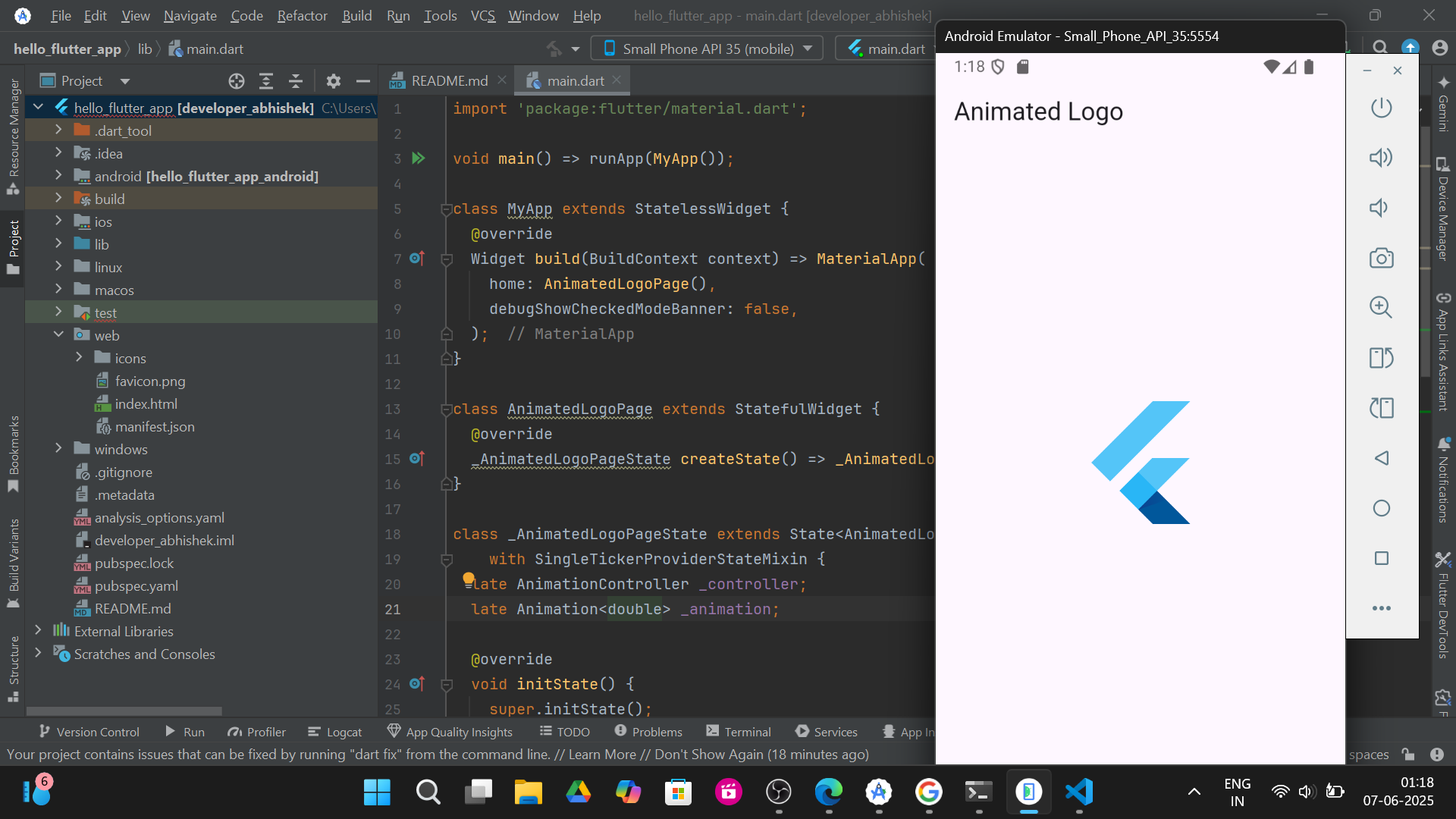
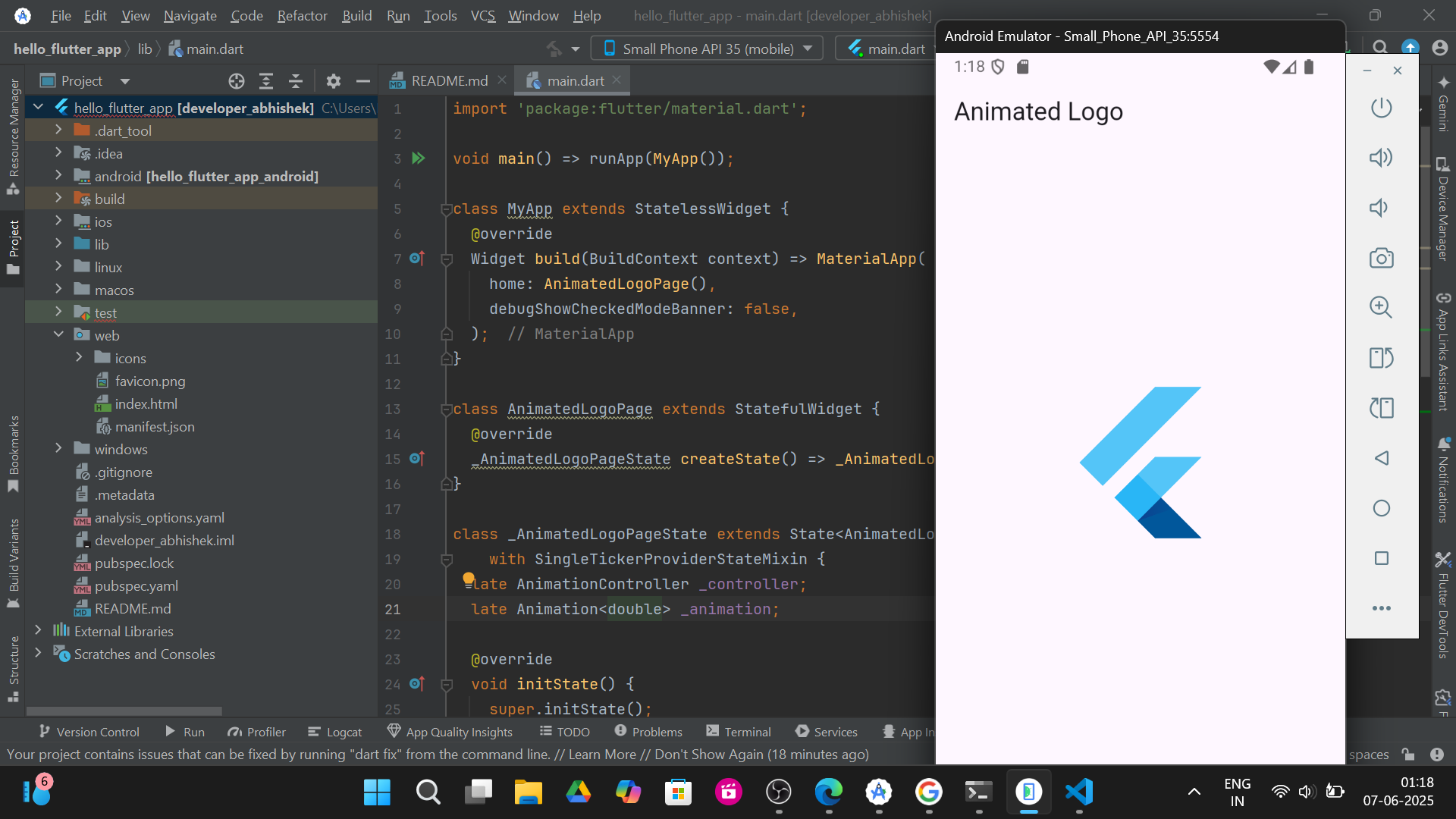
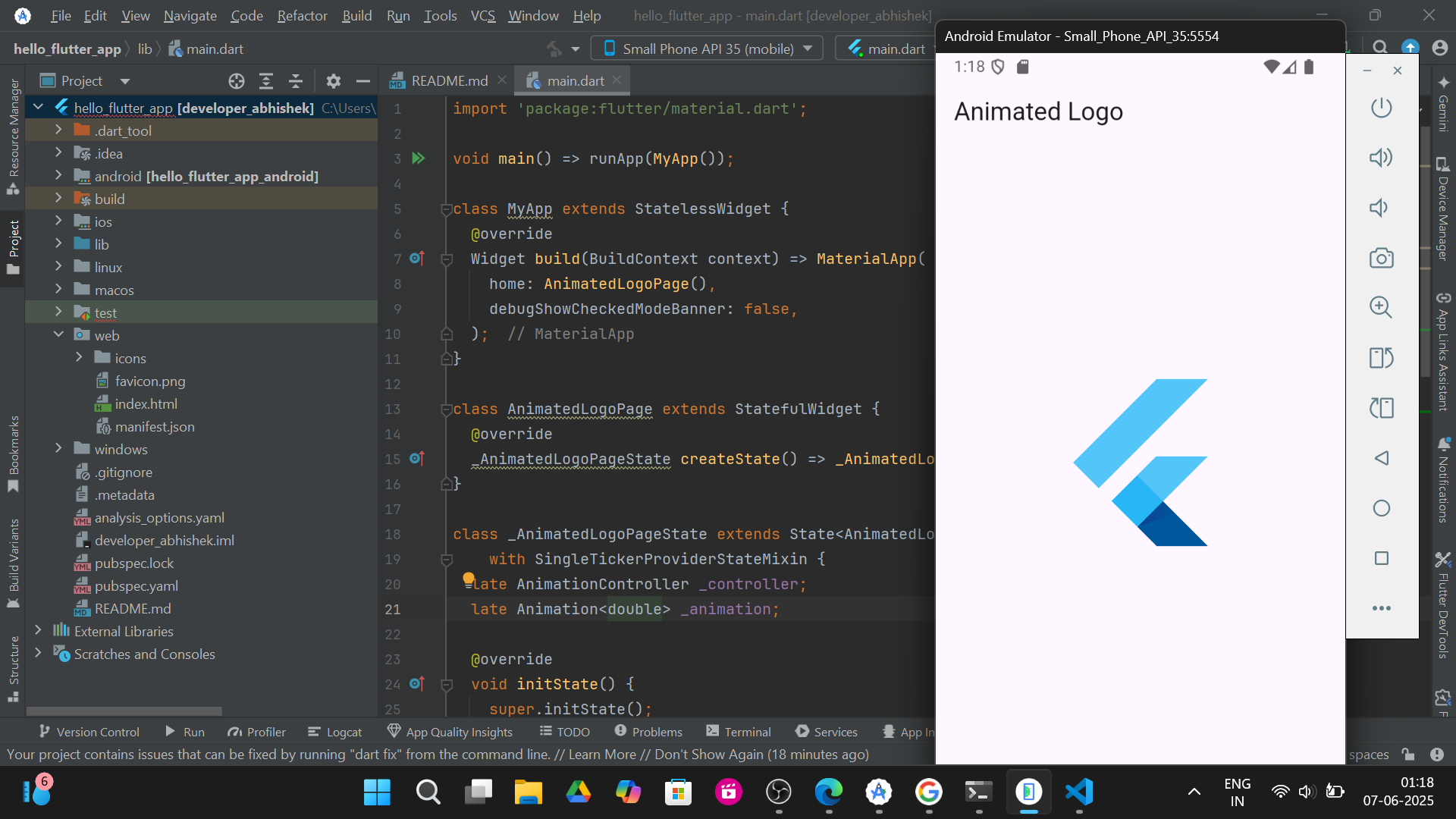
10. Develop an application to implement Animates Logo.
If suffering to Execute in Android Studio?
Click here!
👆
Copy the code & paste here! for Execution 👆
import 'package:flutter/material.dart';

void main() => runApp(MyApp());

class MyApp extends StatelessWidget {
  @override
  Widget build(BuildContext context) => MaterialApp(
        home: AnimatedLogoPage(),
        debugShowCheckedModeBanner: false,
      );
}

class AnimatedLogoPage extends StatefulWidget {
  @override
  _AnimatedLogoPageState createState() => _AnimatedLogoPageState();
}

class _AnimatedLogoPageState extends State
    with SingleTickerProviderStateMixin {
  late AnimationController _controller;
  late Animation _animation;

  @override
  void initState() {
    super.initState();
    _controller =
        AnimationController(vsync: this, duration: Duration(seconds: 2))
          ..repeat(reverse: true);
    _animation = Tween(begin: 100, end: 200).animate(_controller);
  }

  @override
  Widget build(BuildContext context) => Scaffold(
        appBar: AppBar(title: Text('Animated Logo')),
        body: Center(
          child: AnimatedBuilder(
            animation: _animation,
            builder: (context, child) => SizedBox(
              height: _animation.value,
              width: _animation.value,
              child: FlutterLogo(),
            ),
          ),
        ),
      );

  @override
  void dispose() {
    _controller.dispose();
    super.dispose();
  }
}
Output: