Program
6.Develop an application to Check the Weather in Countries Across the world (Weather app).
📌Step 1 :-
Use a Free Weather API👉 Click here!
Create a free account and get your API key
Replace Your API key in the Code ('Your_API_Key')
📌Step 2 :-
Add Dependencies in pubspec.yamlThen Click pub get
dependencies:
  flutter:
    sdk: flutter
  http: ^0.13.6
import 'package:flutter/material.dart';
import 'package:http/http.dart' as http;
import 'dart:convert';

void main() => runApp(const MaterialApp(home: WeatherApp(), debugShowCheckedModeBanner: false));

class WeatherApp extends StatefulWidget {
  const WeatherApp({super.key});

  @override
  State createState() => _WeatherAppState();
}

class _WeatherAppState extends State {
  final cityCtrl = TextEditingController();
  String result = 'Enter a country or city';

  Future fetchWeather(String city) async {
    const apiKey = 'YOUR_API_KEY'; // 🔁 Replace with your actual OpenWeatherMap API key
    final url = 'https://api.openweathermap.org/data/2.5/weather?q=$city&appid=$apiKey&units=metric';

    try {
      final res = await http.get(Uri.parse(url));
      final data = jsonDecode(res.body);

      if (res.statusCode == 200) {
        final temp = data['main']['temp'];
        final desc = data['weather'][0]['description'];
        setState(() => result = '$city: $temp°C, $desc');
      } else {
        setState(() => result = 'City not found');
      }
    } catch (e) {
      setState(() => result = 'Error fetching weather');
    }
  }

  @override
  Widget build(BuildContext context) {
    return Scaffold(
      appBar: AppBar(title: const Text('🌤️ Weather Checker')),
      body: Padding(
        padding: const EdgeInsets.all(20),
        child: Column(children: [
          TextField(
            controller: cityCtrl,
            decoration: const InputDecoration(labelText: 'Enter city/country'),
            onSubmitted: fetchWeather,
          ),
          const SizedBox(height: 20),
          ElevatedButton(
            onPressed: () => fetchWeather(cityCtrl.text),
            child: const Text('Check Weather'),
          ),
          const SizedBox(height: 30),
          Text(result, style: const TextStyle(fontSize: 22)),
        ]),
      ),
    );
  }
}
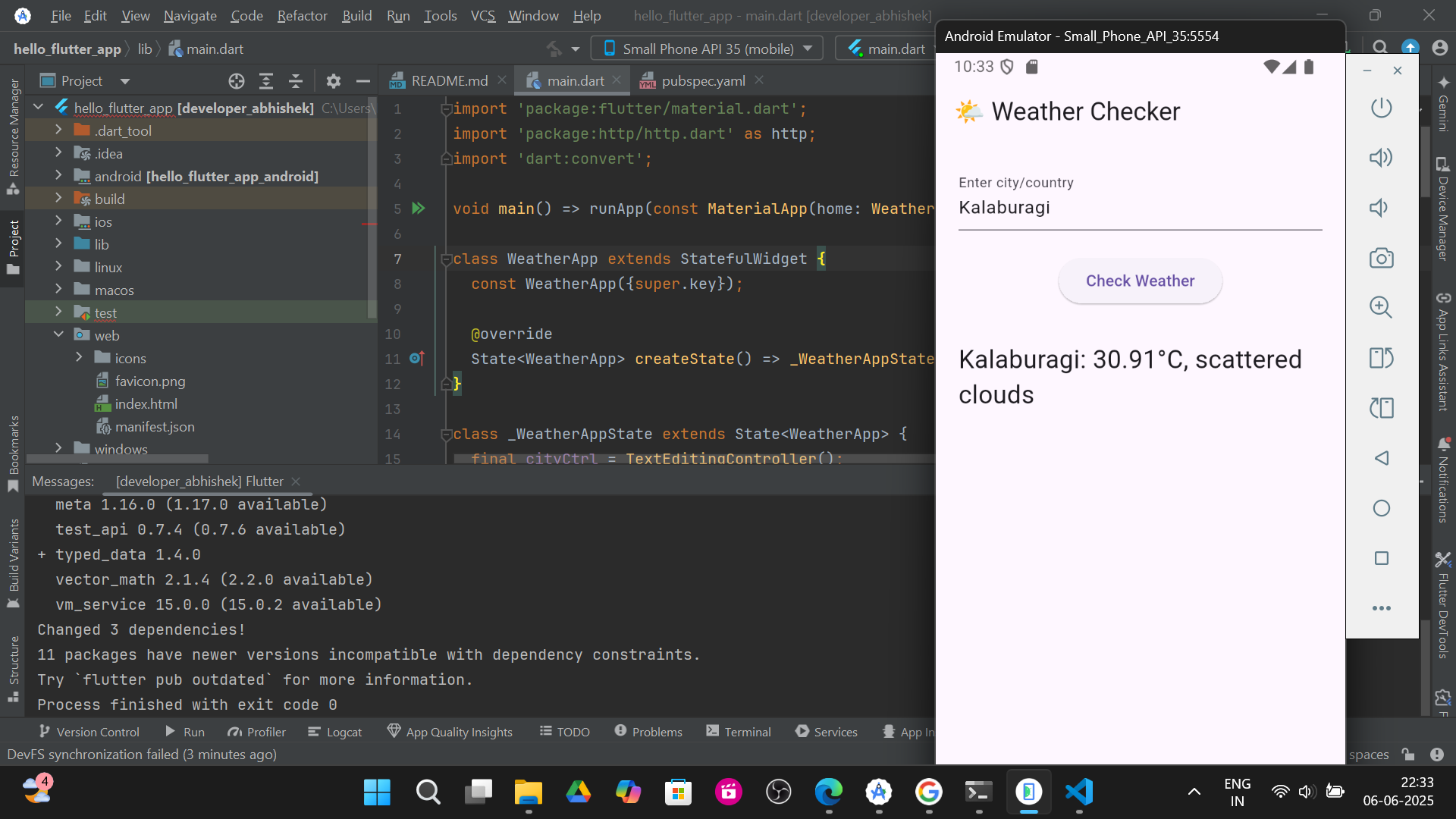
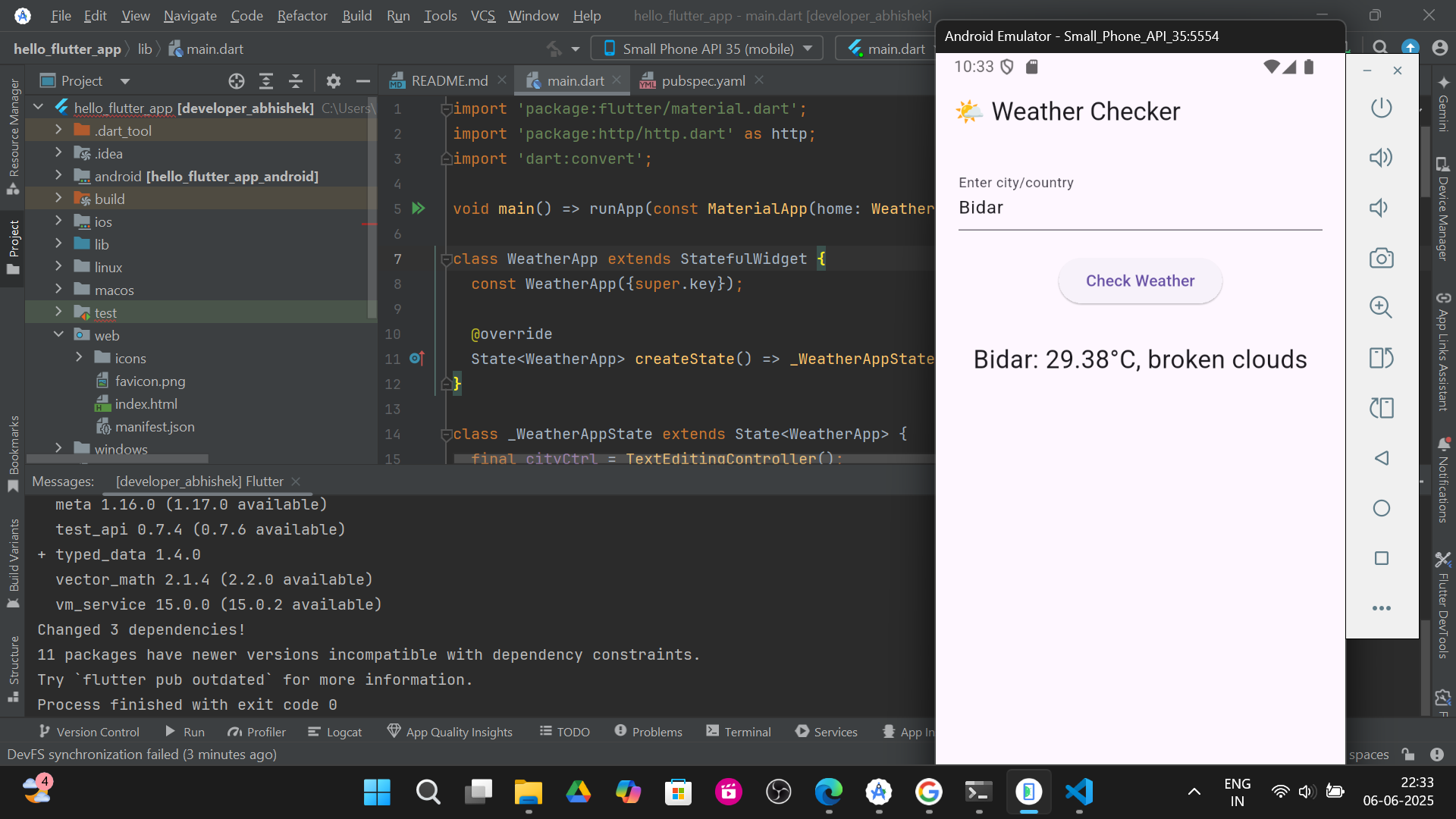
Output:
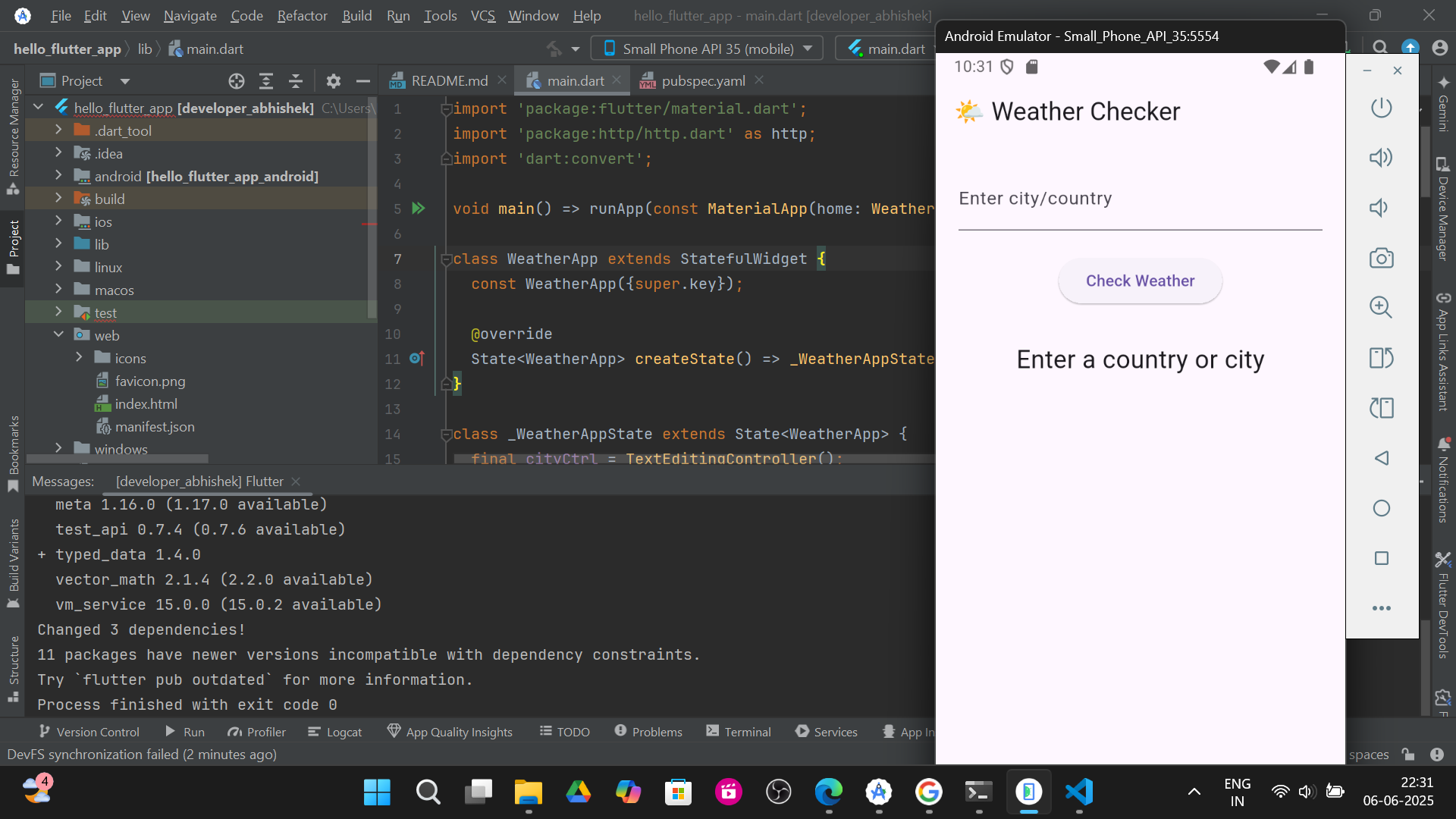
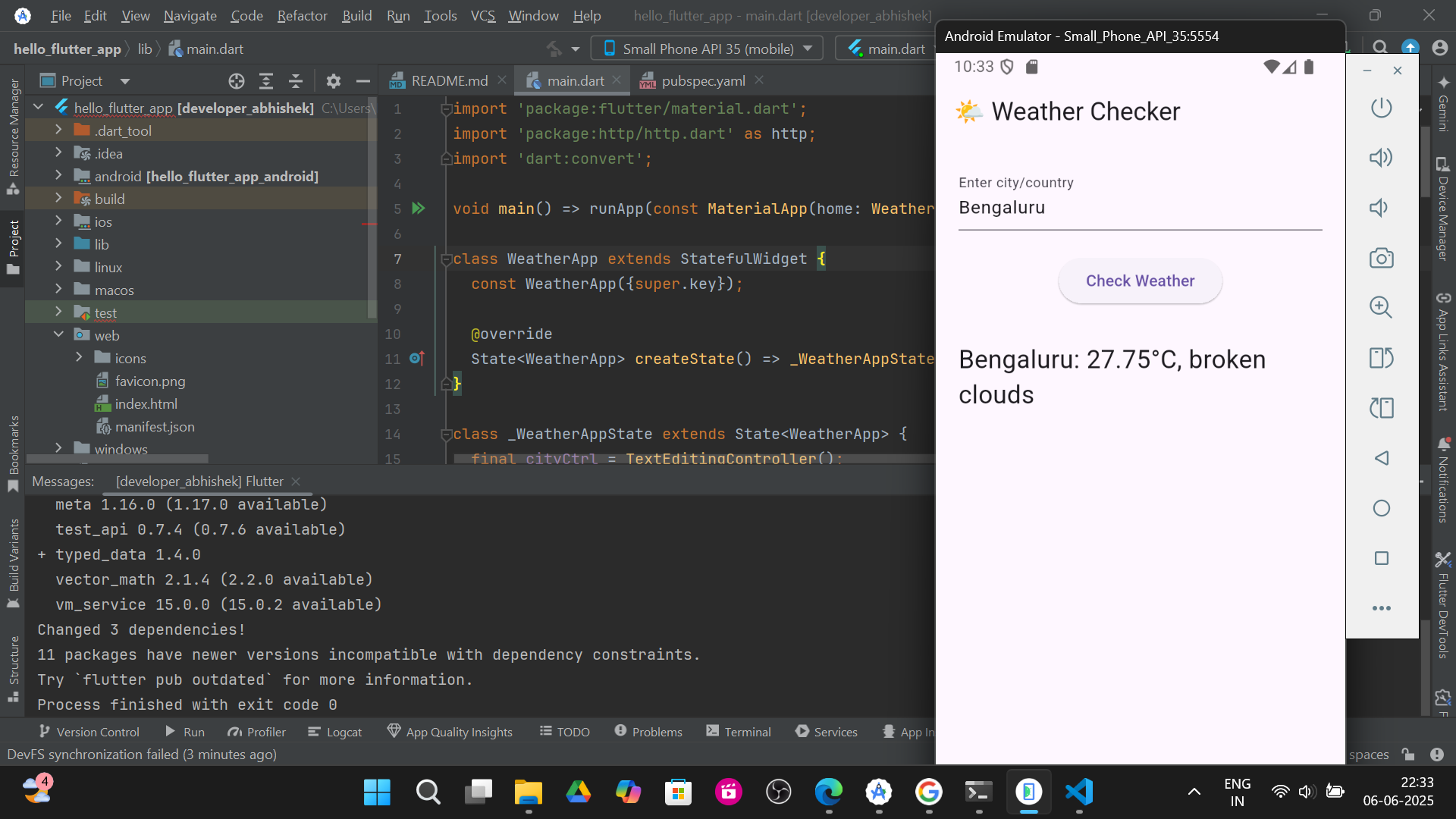
1.Bengaluru :-
2.Kalaburagi :-
3.Bidar :-