Program
7. Develop a “Stopwatch” application using Flutter.
If suffering to Execute in Android Studio?
Click here!
👆
Copy the code & paste here! for Execution 👆
import 'package:flutter/material.dart';
import 'dart:async';

void main() => runApp(const MaterialApp(home: StopwatchApp(), debugShowCheckedModeBanner: false));

class StopwatchApp extends StatefulWidget {
  const StopwatchApp({super.key});

  @override
  State createState() => _StopwatchAppState();
}

class _StopwatchAppState extends State {
  late Stopwatch stopwatch;
  late Timer timer;

  String format(Duration d) => d.toString().split('.').first.padLeft(8, "0");

  @override
  void initState() {
    super.initState();
    stopwatch = Stopwatch();
    timer = Timer.periodic(const Duration(seconds: 1), (_) => setState(() {}));
  }

  @override
  void dispose() {
    timer.cancel();
    super.dispose();
  }

  void reset() {
    stopwatch.reset();
    setState(() {});
  }

  @override
  Widget build(BuildContext context) {
    final time = format(stopwatch.elapsed);
    return Scaffold(
      appBar: AppBar(title: const Text('⏱️ Stopwatch')),
      body: Column(
        mainAxisAlignment: MainAxisAlignment.center,
        children: [
          Text(time, style: const TextStyle(fontSize: 48, fontWeight: FontWeight.bold)),
          const SizedBox(height: 30),
          Row(
            mainAxisAlignment: MainAxisAlignment.center,
            children: [
              ElevatedButton(onPressed: stopwatch.isRunning ? null : stopwatch.start, child: const Text('Start')),
              const SizedBox(width: 10),
              ElevatedButton(onPressed: stopwatch.isRunning ? stopwatch.stop : null, child: const Text('Stop')),
              const SizedBox(width: 10),
              ElevatedButton(onPressed: reset, child: const Text('Reset')),
            ],
          ),
        ],
      ),
    );
  }
}
Output:
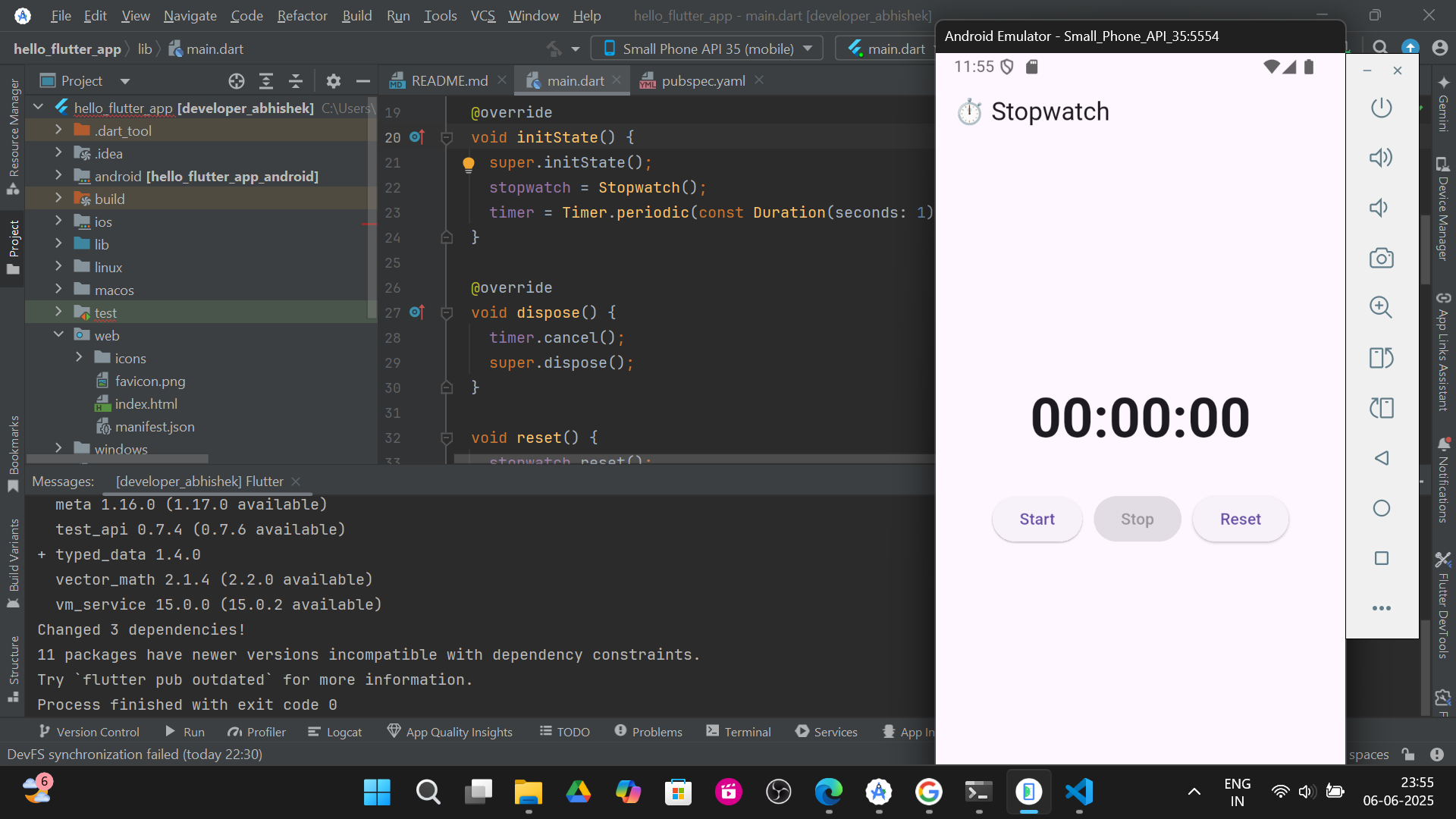
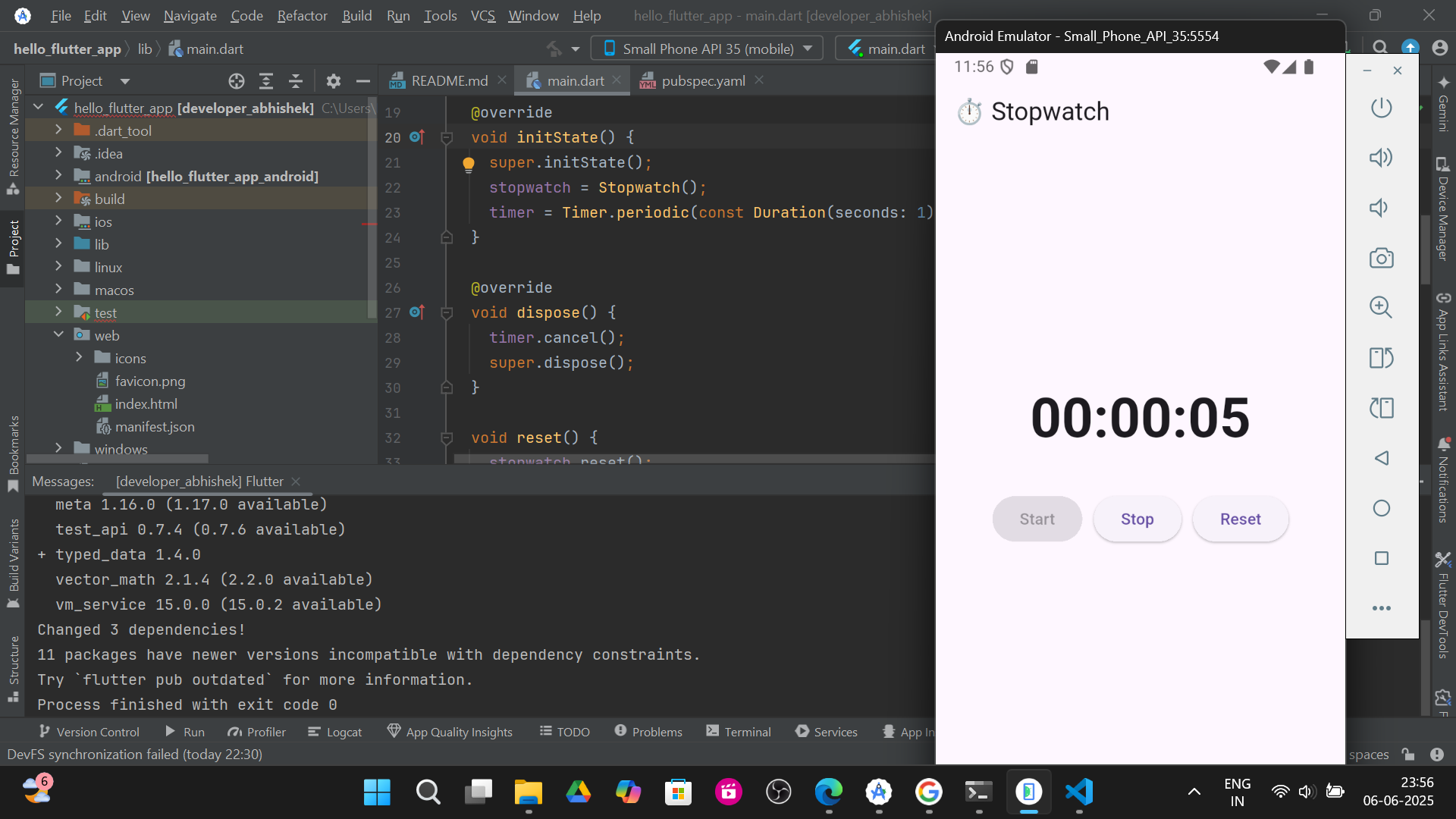
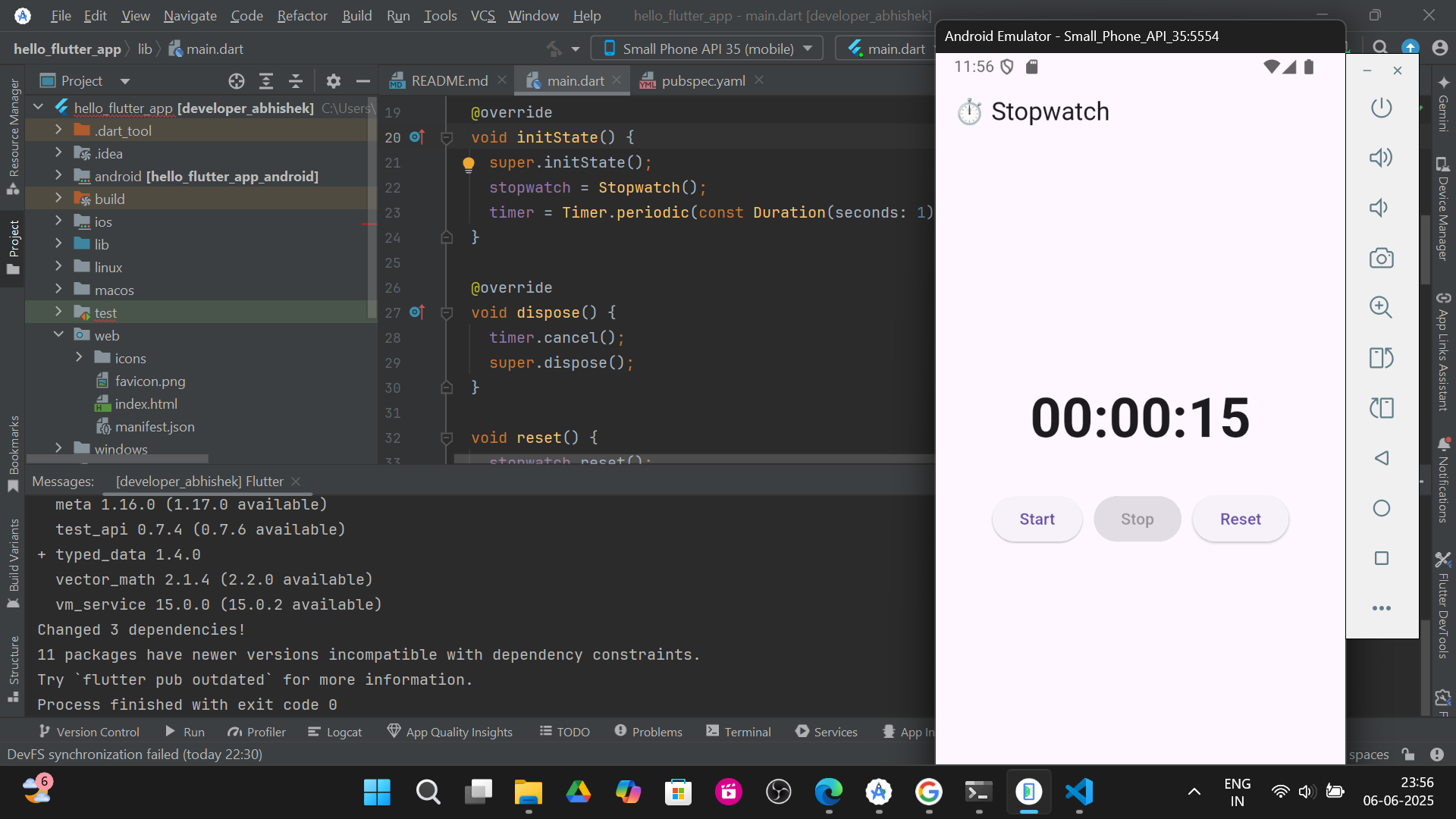
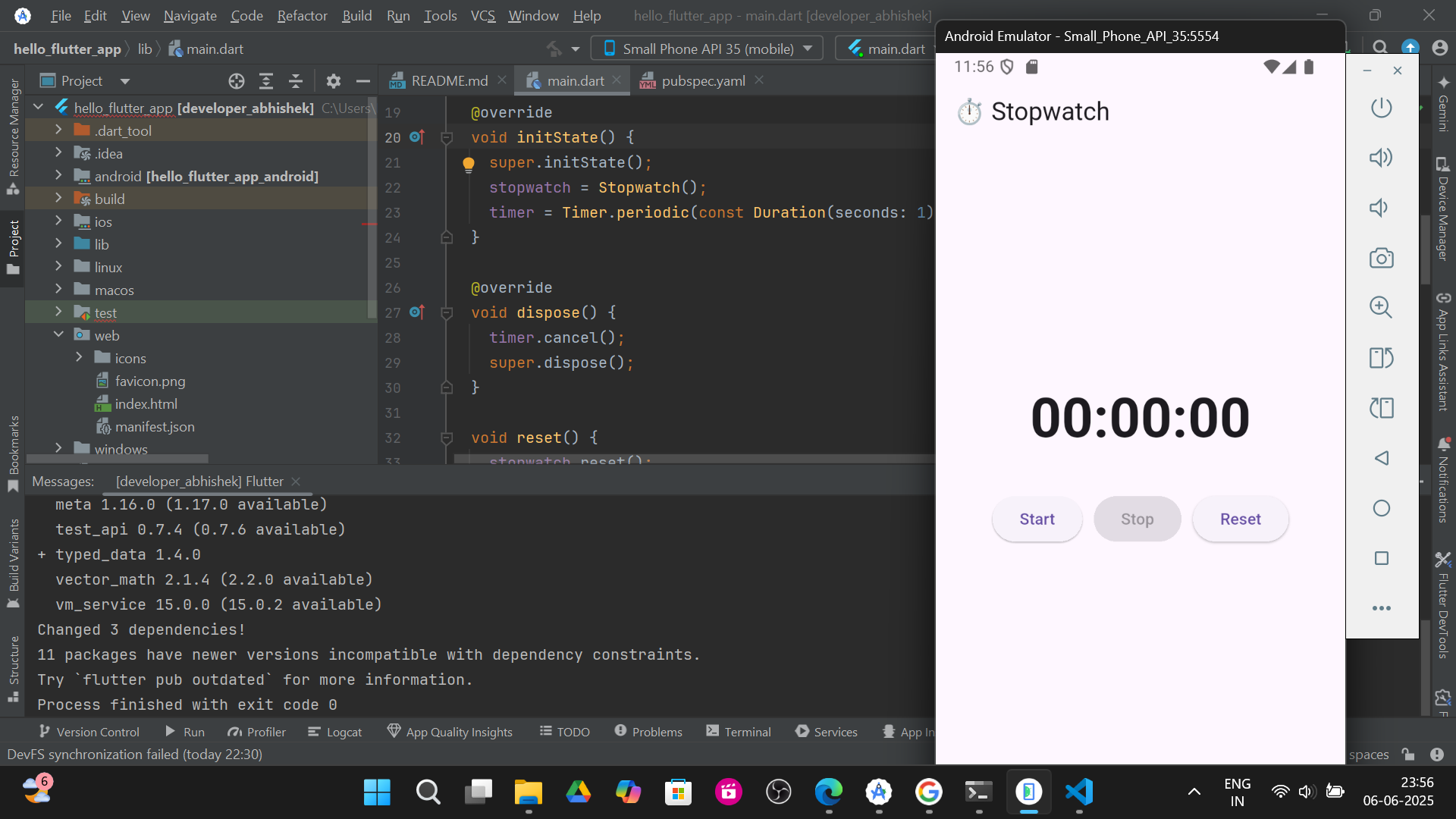
1.Start watch :-
2.Stop Watch :-
3.Reset Watch :-