Program
8. Develop an application that Navigate from one Screen to another (Seamless navigation).
If suffering to Execute in Android Studio?
Click here!
👆
Copy the code & paste here! for Execution 👆
import 'package:flutter/material.dart';

void main() => runApp(const MaterialApp(home: FirstScreen(), debugShowCheckedModeBanner: false));

class FirstScreen extends StatelessWidget {
  const FirstScreen({super.key});

  @override
  Widget build(BuildContext context) {
    return Scaffold(
      appBar: AppBar(title: const Text('First Screen')),
      body: Center(
        child: ElevatedButton(
          onPressed: () => Navigator.push(context, MaterialPageRoute(builder: (_) => const SecondScreen())),
          child: const Text('Go to Second Screen'),
        ),
      ),
    );
  }
}

class SecondScreen extends StatelessWidget {
  const SecondScreen({super.key});

  @override
  Widget build(BuildContext context) {
    return Scaffold(
      appBar: AppBar(title: const Text('Second Screen')),
      body: Center(
        child: ElevatedButton(
          onPressed: () => Navigator.pop(context),
          child: const Text('Back to First Screen'),
        ),
      ),
    );
  }
}
Output:
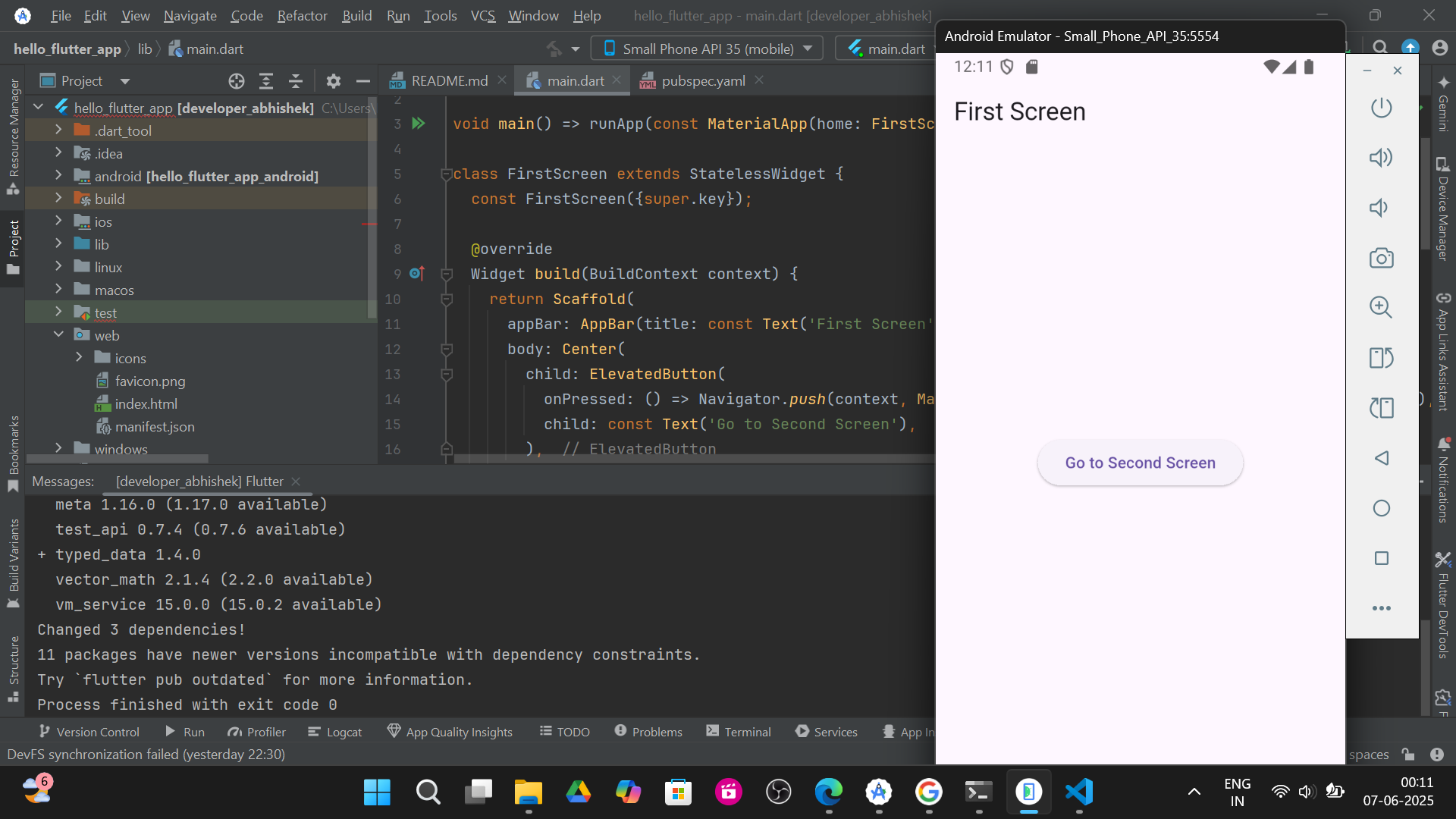
1.First Screen :-
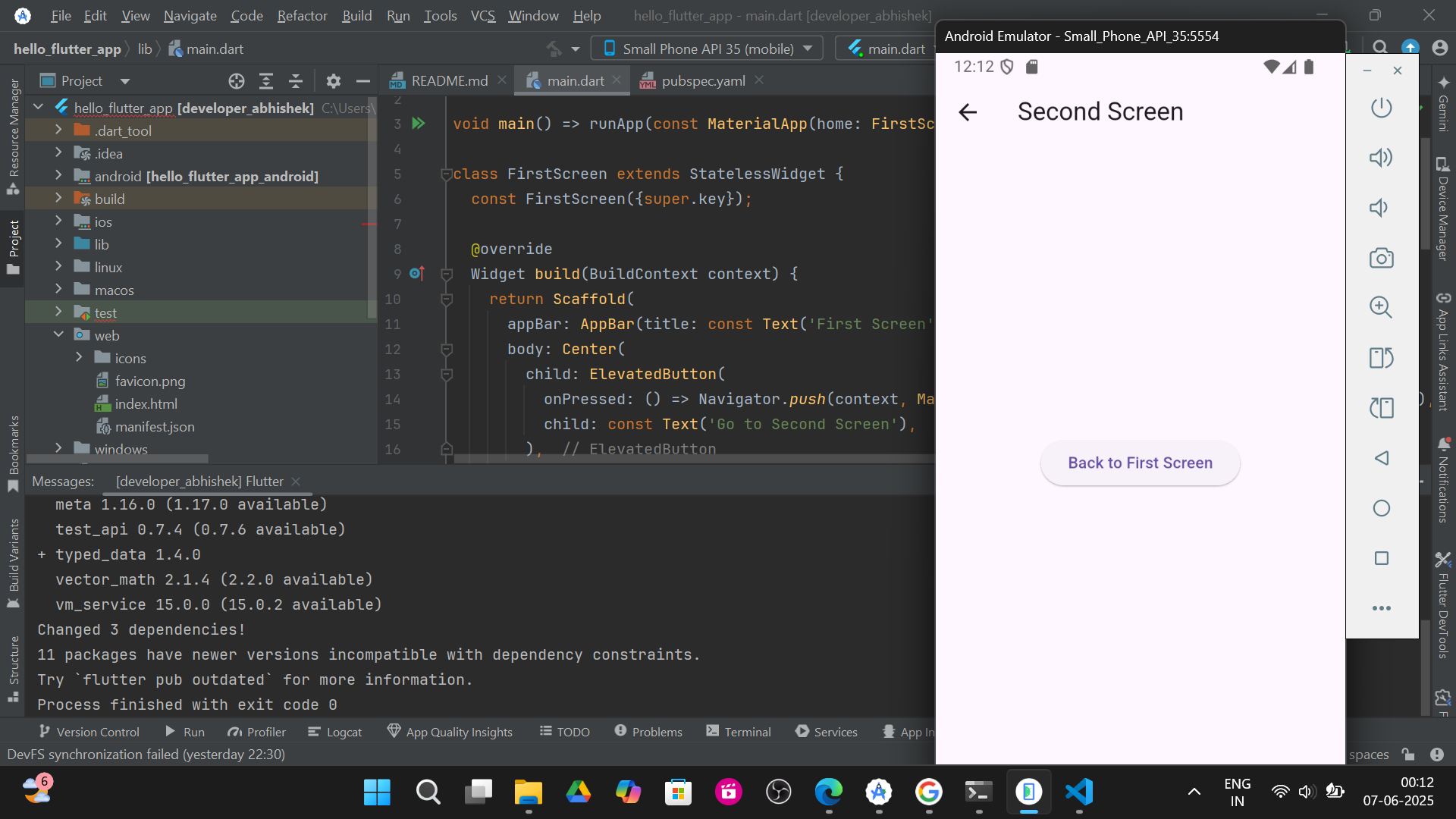
2.Another Second Screen :-